
Busy finance teams don’t always have a terminal, checkout, or developer on hand—but customers still want to pay. Email payment links solve this problem by turning any email, invoice, or message into a secure, trackable checkout flow. Used well, email payment links can lift cash flow, reduce reconciliation effort, and improve customer experience—without heavy engineering or new hardware.
What Are Email Payment Links?
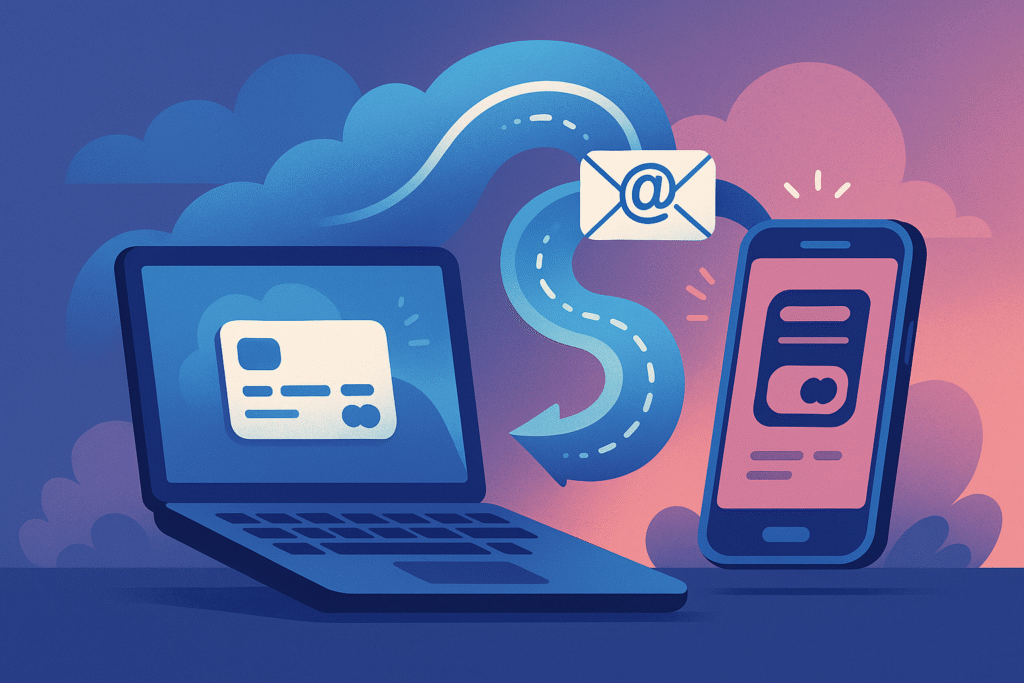
Email payment links are unique, secure URLs that take a payer directly to a hosted checkout page. The page supports card payments and, depending on your provider, alternative payment methods. Unlike typed card details in an email—never safe or compliant—email payment links keep sensitive data off your inbox and inside a PCI-compliant flow.
For businesses working across borders, email payment links allow you to request funds in the customer’s currency and settle into a single Multi-Currency Account. That makes cross-border receivables simpler and more transparent.
How Email Payment Links Work (Step-by-Step)
- Create a payment request: In your dashboard or CRM, generate email payment links for a specified amount, currency, and description.
- Send the link: Paste the link into an email, invoice, or ticket reply. You can also include it in Pay by Link templates to standardise messaging.
- Customer pays securely: The customer clicks and lands on a hosted checkout page to enter card details.
- Authenticate (if required): Strong Customer Authentication (SCA) or 3-D Secure may be triggered to verify the payer.
- Get instant confirmation: You receive a success/fail status and the customer receives a receipt.
- Reconcile automatically: Settlement appears in your Business Account with references and metadata for easy matching.
- Report & repeat: Use dashboards or exportable reports for finance and audit.
Throughout, email payment links reduce manual keying and eliminate risky card-over-email behaviours.
9 Proven Benefits of Email Payment Links
1) Faster Cash Collection
When payers don’t need to create an account or phone in card details, completion rates jump. Email payment links remove friction in the last mile and help you get funds into your International Payments flow sooner.
(According to a report by McKinsey, digital payments adoption continues to rise across the US and Europe, underpinning faster, more convenient acceptance: https://www.mckinsey.com/industries/financial-services/our-insights/banking-matters/state-of-consumer-digital-payments-in-2024).
2) No Hardware, No Code
You don’t need POS terminals or web developers to accept cards. Email payment links are generated in a dashboard and can be embedded anywhere you communicate.
3) PCI-Compliant by Design
Customers enter data on a secure, hosted page. You’re not asking anyone to email card numbers, which PCI explicitly prohibits over open networks.
(According to PCI SSC guidance, unencrypted cardholder data must not be transmitted over open networks—email included: https://www.pcisecuritystandards.org/documents/PCI_DSS-QRG-v3_2_1.pdf).
4) Better Customer Experience
Short, mobile-friendly email payment links mean fewer abandoned invoices and fewer “Can I call you later?” delays. Modern authentication reduces declines while maintaining security.
5) Multi-Currency Flexibility
Quote and collect in the customer’s currency and settle efficiently through a Multi-Currency Account. Pair email payment links with Currency Capabilities to control conversion costs.
6) Sharper Reconciliation & Audit Trail
Payment metadata, timestamps, and invoice references flow automatically to your Business Account, making period-end faster and cleaner.
7) Lower Operational Overheads
Fewer phone calls, fewer manual key-ins, fewer disputes. Email payment links are reusable templates that scale with your team.
8) Fraud Controls That Fit CNP
Card-not-present (CNP) is where most card fraud occurs, so controls matter. Email payment links support measures like 3-D Secure, velocity checks, and tokenisation.
(UK Finance data shows fraud remains a significant risk area, with 3.31 million cases in 2024 and £1.17bn in losses; streamlining secure digital acceptance is critical: https://www.reuters.com/business/finance/britain-sees-12-spike-fraud-cases-banks-battle-16-billion-epidemic-2025-05-27/).
9) Works Where Your Customers Are
Whether you’re following up a quote, resolving a support ticket, or chasing an invoice, email payment links meet customers in their inbox—no new app to learn.
Security, PCI, and Risk Controls
Email payment links are valuable because they move card entry out of email. PCI DSS requires protecting cardholder data in transit and at rest, and typical business email systems are not designed to store or transmit card numbers safely. Hosted checkout pages do the heavy lifting, so you reduce scope and risk.
(See PCI SSC quick reference: https://www.pcisecuritystandards.org/documents/PCI_DSS-QRG-v3_2_1.pdf).
Beyond PCI, pair email payment links with:
- 3-D Secure/SCA: Extra authentication for suspicious or higher-risk payments.
- Allow/deny rules: Block high-risk BIN ranges, countries, or mismatched AVS/CVV.
- Rate limits: Prevent rapid repeat attempts on the same email payment links.
- Refund controls & rights management: Safeguard who can issue refunds.
- Chargeback playbooks: Document how to respond with evidence from your system.
As fraud tactics evolve, so should your controls.
(The Federal Reserve’s 2024 Business Payments Study highlights shifting payment behaviours and the importance of faster, more secure methods: https://fedpaymentsimprovement.org/wp-content/uploads/2024-federal-reserve-payments-insights-business-study.pdf).
Who Should Use Email Payment Links?
Email payment links are ideal when you need card acceptance without standing up a full checkout site.
- B2B services & agencies: Take deposits, milestone payments, or retainers from anywhere.
- BPOs & outsourcing firms: Close tickets faster by inserting email payment links into service emails; batch reminders via Mass Payments for vendor refunds or stipends.
- Exporters & distributors: Quote in GBP, USD, EUR, or PHP, then collect via email payment links and settle through your International Payments rails.
- Education & training providers: Remote enrolment fees with clear receipts.
- Healthcare & wellness: Balance collections without phone payments.
- Field & remote teams: Send email payment links after site visits—no reader required.
If your finance team supports both business and consumer flows, consider offering a Personal Account option for specific use cases while keeping receivables centralised in your Business Account.
From Onboarding to Go-Live: An Implementation Plan
Phase 1 — Define the Use Cases
Map the top 3 scenarios where email payment links will accelerate cash: overdue invoices, deposits, or support-issued credits. Decide currencies, typical amounts, and whether the link should expire after payment.
Phase 2 — Configure Payment Policies
- Currencies & settlement: Align with Currency Capabilities so you collect in the right currency and settle optimally.
- Risk profile: Turn on 3-D Secure for higher-risk regions; set velocity caps for repeated attempts.
- Refund & user roles: Limit refunds and export permissions to finance leads.
Phase 3 — Template the Comms
Create branded templates that place email payment links above the fold with a concise call-to-action. For recurring scenarios, standardise subject lines (“Card payment link for Invoice #12345”) and a single-click button.
Phase 4 — Test & Train
Run internal UAT across desktop and mobile. Train support, AR, and sales on when—and when not—to use email payment links (e.g., never request card numbers by email).
Phase 5 — Go-Live & Monitor
After launch, monitor approval rates, chargebacks, and email payment links completion times. Iterate weekly for the first 30 days.
To accelerate setup across teams and systems, leverage BPO Solutions if you need added operational support during peak periods.
Optimising Email Payment Links for Faster Payment
Write Subject Lines That Get Opened
Use direct, professional language: “Secure card payment link — Invoice #12345 due 30 Sep”. Avoid spammy words. Keep it under ~55 characters where possible.
Bring the Link Above the Fold
Don’t hide email payment links deep in a paragraph. Use a clear button label (e.g., “Pay securely”) and repeat the button near the signature for long messages.
Personalise (Lightly)
Reference the quote or PO number. Add the amount and due date. The more context around email payment links, the higher the trust.
Set Smart Expiry Windows
Create email payment links with reasonable Expiry (e.g., 7–14 days) to reduce fraud exposure while encouraging timely payment.
Offer Local Currencies
If you sell internationally, present the amount in the payer’s currency. Combined with International Payments, this reduces confusion and shortens decision time.
Use Reminders, Not Nagging
Schedule polite reminders 3 days before due, on due date, and 3–5 days after. Each reminder should re-insert email payment links prominently.
Metrics & Reporting to Prove ROI
To make the business case stick, track:
- Time-to-cash: Days from invoice to settlement before vs. after email payment links.
- Approval rate: % of authorisations that succeed on first attempt.
- Completion rate: Click-to-pay conversions for email payment links.
- Chargebacks per 1,000 transactions: Watch CNP performance as volume scales.
- Avg. manual touches per invoice: Target fewer back-and-forth emails and calls.
- FX impact: Savings from collecting in local currency vs. forced conversions.
- Write-offs: Reduction after introducing email payment links reminders.
Use your dashboard exports to share weekly snapshots with finance leadership. For high-volume operations, combine email payment links with Mass Payments for refunds and disbursements to keep both sides of the ledger efficient.
FAQs on Email Payment Links
Are email payment links safe?
Yes—when the link points to a hosted, PCI-compliant checkout and you never collect card details by email. Email payment links keep card data out of your inbox and within a secure flow. (PCI references: https://www.pcisecuritystandards.org/documents/PCI_DSS-QRG-v3_2_1.pdf).
How do they help internationally?
You can generate email payment links in a payer’s currency and settle via your Business Account and Multi-Currency Account, simplifying FX and reconciliation.
What about fraud and chargebacks?
As CNP rises, so does fraud risk, but email payment links allow controls like 3-D Secure, velocity limits, and risk rules. (According to Reuters’ coverage of UK Finance’s annual data, the UK recorded 3.31 million fraud cases in 2024, reinforcing the need for secure digital acceptance: https://www.reuters.com/business/finance/britain-sees-12-spike-fraud-cases-banks-battle-16-billion-epidemic-2025-05-27/).
Can we reuse a link?
You can create single-use or multi-use email payment links. For invoices, single-use is best. For deposits or repeated fees, consider multi-use with caps.
Do we still need a card reader or website checkout?
Not necessarily. Email payment links can cover remote and ad-hoc payments while your website checkout or POS serves other channels.
Next Steps
If your team is ready to turn every email into a secure checkout, here’s how to move forward with Philipay:
- Learn who we are and how we build secure, compliant solutions: About Philipay.
- Speak with a payments specialist about email payment links, FX, and CNP risk: Contact Us.
- To start streamlining your international transactions, register for a Philipay account today and experience the difference: Register.
Related Philipay services to explore
- Pay by Link: Standardise and scale email payment links across teams.
- International Payments: Send and receive cross-border funds with transparent flows.
- Multi-Currency Account: Hold, receive, and settle in multiple currencies.
- Currency Capabilities: Manage FX efficiently around your email payment links receivables.
- Mass Payments: Automate high-volume vendor and partner payouts.
Keep email payment links short, branded, and time-boxed; never request card details by email; and centralise reporting in your Business Account for audit-ready finance operations.